
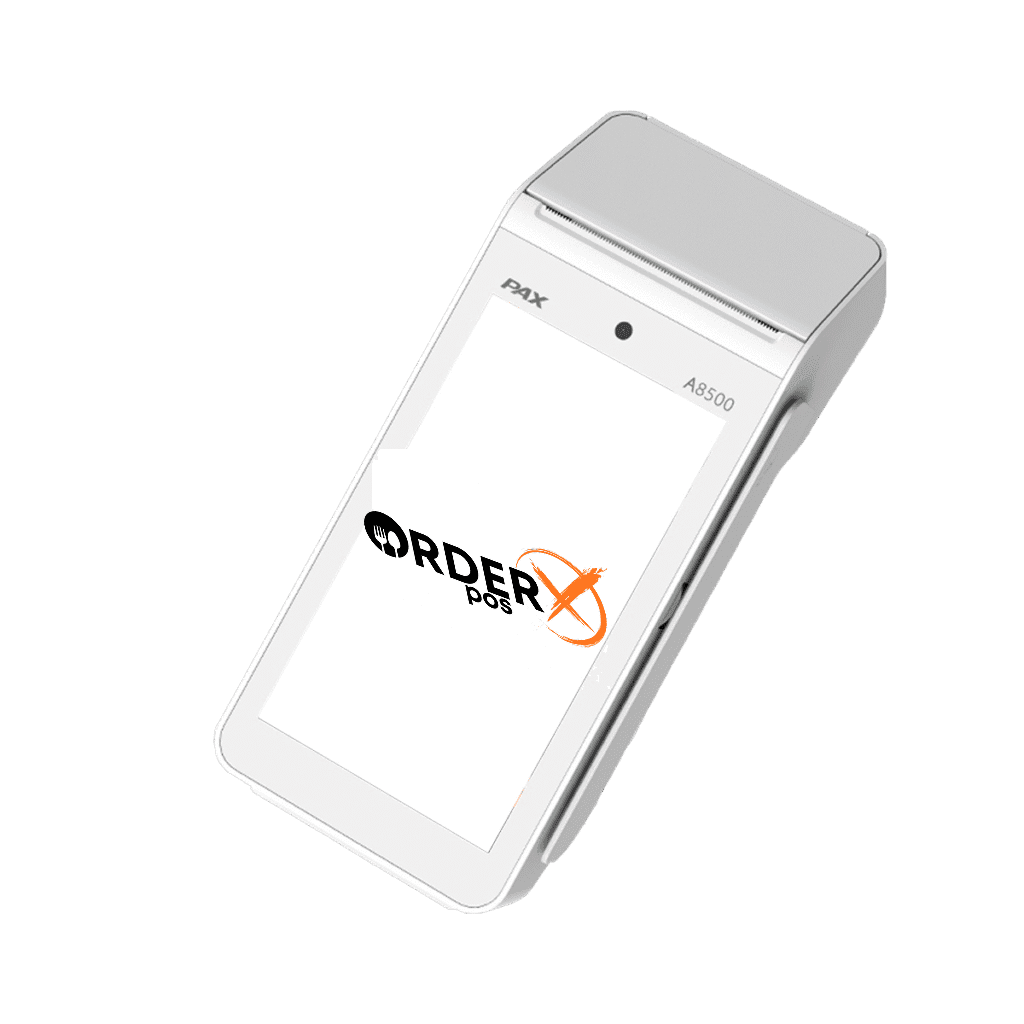
PAX A8500
PAX A8500 – Smart Android Desktop Payment Termina
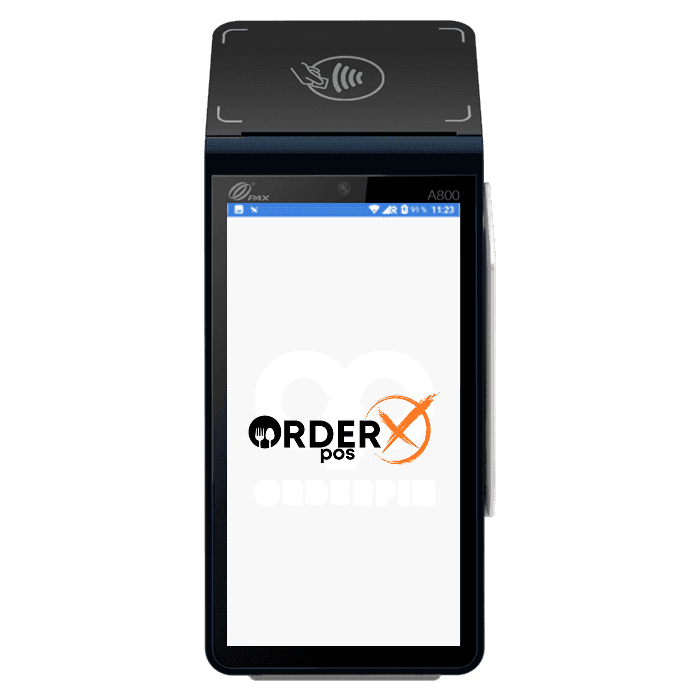
The PAX A8500 is a sleek and versatile Android-based Smart Desktop Payment Terminal designed to streamline payment processes for businesses. The A8500 supports multiple payment methods, including EMV chip, magnetic stripe, NFC/contactless payments, and mobile wallets like Apple Pay and Google Wallet. Equipped with advanced connectivity options such as Ethernet, 4G, Wi-Fi, and Bluetooth 5.0, it ensures reliable transactions in various environments. Its high-speed printer, compact design, and robust security features, including PCI 6.0 compliance, make the A8500 an ideal choice for modern retail and hospitality settings.
Highlights
Why choose the PAX A8500
- Powered by Android 10
- PCI 6.x SRED
- 5" large lPps Touchscreen
- Optional Printer
- Advanced Connectivity
Features
PAX A8500 features
- Platforms
- Paydroid Powered by Android 10
- P2PE
- Yes
- Connectivity
- 4G / WiFi 2.4GHz & 5GHz / Bluetooth 5.0
- EMV
- Yes
- Signature Capture
- Yes
- PIN Debit
- Yes
- Keypad
- Yes
- Standalone
- Yes
- PINpad
- Yes
- Semi-Integrated
- Yes
- Printer
- Yes
- Mobile
- No
- Contactless
- Yes
Specifications
PAX A8500 specifications
| Processor | Quad-core Cortex-A53, 1.6 GHz |
|---|---|
| Operating System | Android 10 |
| Memory | 1GB RAM + 8GB Flash (standard configuration; optional upgrades like 2GB RAM + 16GB Flash may be available depending on the model) |
| Display | 5-inch capacitive touch screen, 1280 x 720 pixels |
| Payment Methods | EMV Chip & PIN; Magnetic Stripe (MSR); NFC/Contactless (supports mobile wallets like Apple Pay, Google Wallet, etc.) |
| Security | PCI PTS 6.x certified |
| Connectivity | Ethernet 1000Mbps; 4G CAT4 (optional); Wi-Fi 2.4GHz & 5GHz; Bluetooth 5.0 |
| Printer | High-speed thermal printer; Printing Speed: 90mm/s; Paper Roll Diameter: 40mm; Paper Width: 58mm (standard for similar devices) |
| Card Readers | Smart Card Reader (EMV-compliant); Magnetic Stripe Reader; Contactless Reader (NFC-enabled) |
| Keypad/PINpad | Virtual keypad via touchscreen (PIN-on-Glass technology) |
| Camera | Optional front camera (supports QR code scanning where included) |
| Audio | Built-in speaker and microphone |
| Ports | USB Type-C; RJ45 (Ethernet); MicroSD slot (up to 128GB capacity) |
| Environmental Conditions | Operating Temperature: -10°C to 45°C (14°F to 113°F); Storage Temperature: -20°C to 70°C (-4°F to 158°F); Humidity: 5% to 95% (non-condensing, typical for payment terminals) |
| Certifications | PCI PTS 6.x; EMV Level 1 & Level 2; Visa payWave, MasterCard PayPass, and other contactless payment standards; CE, RoHS, FCC (based on compliance declarations) |
Have Any Questions?
PAX A8500 FAQs
What payment methods does the Pax A8500 accept?
The Pax A8500 accepts multiple payment types, including EMV chip cards, magnetic stripe cards, and NFC/contactless payments like Apple Pay and Google Wallet. It also supports PIN debit via its touchscreen and optional QR code payments with a front camera.
How do I set up my Pax A8500?
To set up your Pax A8500: Check the device for tampering and verify the serial number. Plug in the power adapter to turn it on. Connect to Wi-Fi or Ethernet via the settings menu. Open the payment app and activate it with your store details. Load a 58mm thermal paper roll for receipts. Ensure the device is charged if it has a battery.
Does the Pax A8500 support contactless payments?
Yes, the Pax A8500 supports contactless payments. Its NFC reader works with contactless cards and mobile wallets like Apple Pay and Google Wallet, as long as it’s configured with your payment processor.
Is the Pax A8500 secure for transactions?
The Pax A8500 is highly secure, with PCI PTS 6.x certification, Point-to-Point Encryption (P2PE), and End-to-End Encryption (E2EE). It also has secure boot to prevent tampering. Always shield PIN entry to enhance security.
Can the Pax A8500 work standalone or with a POS system?
The Pax A8500 supports both standalone and semi-integrated modes. It can process payments independently or connect to a POS system via Wi-Fi, Ethernet, or Bluetooth for added features like tax calculations.
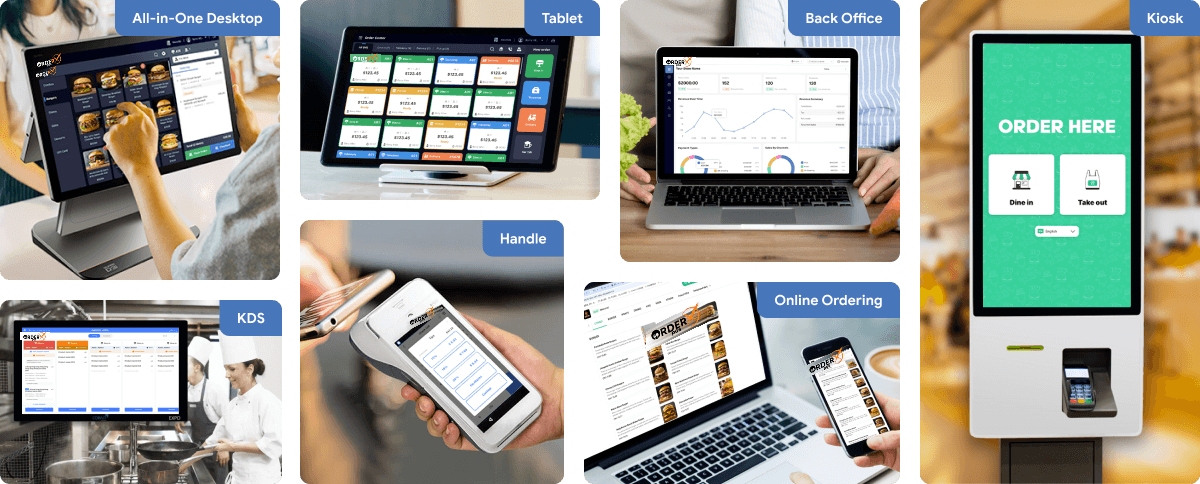
OrderX POS Portfolio
One software suite across every device
OrderX POS software portfolio including Desktop POS, Back office, Handheld APP, KIOSK APP, Online ordering system, KDS (Kitchen Display Screen) APP and etc.
Related devices
Ready to get started?