
PAX A80
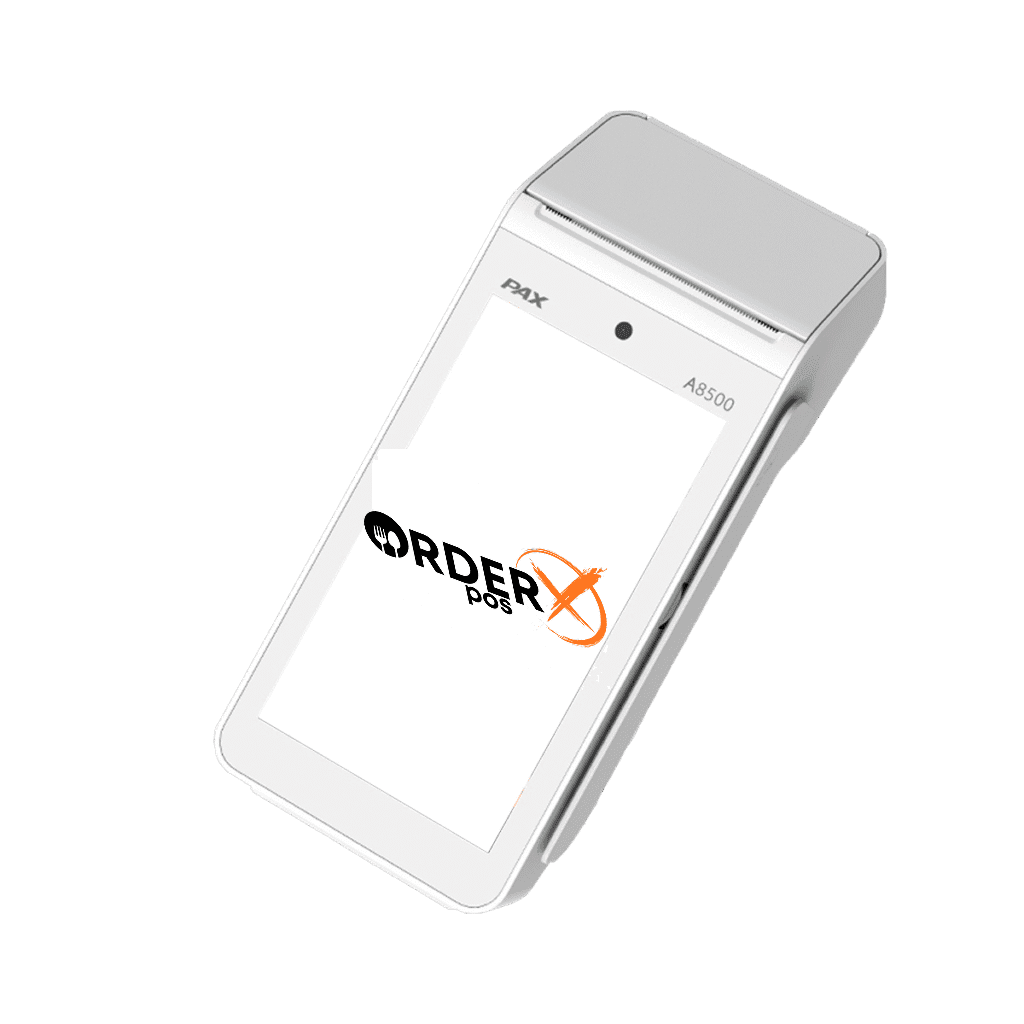
PAX A80 – Android Desktop Payment Terminal
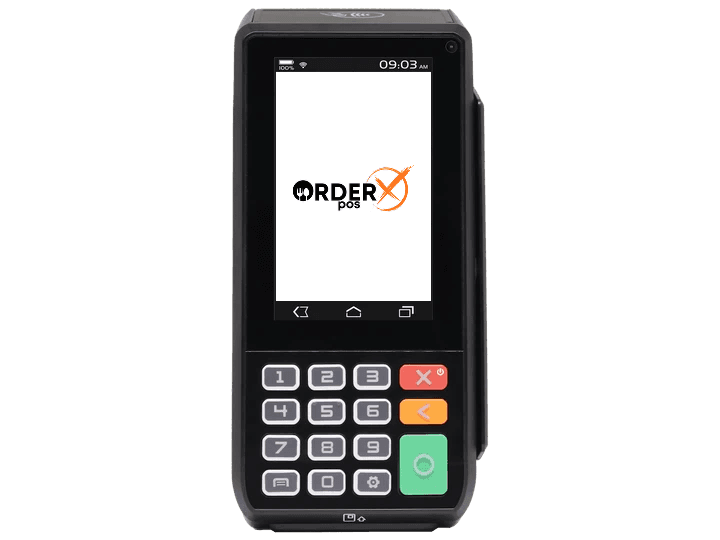
The PAX A80 is the most cost-effective model in the A-series. This powerful countertop device also functions as an indoor portable terminal. With full connectivity, it ensures reliable performance, processing payments quickly and securely, even during peak hours.
Highlights
Why choose the PAX A80
- Android 6.0, 7.1 or 10.0
- Cortex A53 processor
- 4G/3G + WiFi + Bluetooth + Ethernet + dial
- Contactless + chip & PIN + Magstripe
- 4-inch HD touch screen
- Physical keypad
- Camera
- Printer
- Optional battery
- PCI PTS 5.x or 6.x
Features
PAX A80 features
- Platforms
- PayConex, Decryptx
- Mobile
- No
- P2PE
- Yes
- Connection
- WiFi, USB, Serial, Ethernet
- EMV
- Yes
- Signature Capture
- Yes
- PIN Debit
- Yes
- Keypad
- Yes
- Standalone
- Yes
- PINpad
- Yes
- Semi-Integrated
- Yes
- Printer
- Yes
- Contactless
- Yes
Specifications
PAX A80 specifications
| Functions | The PAX A80 is a versatile countertop payment terminal that supports multiple payment methods, including magnetic stripe cards, EMV chip cards, and contactless payments such as Apple Pay, Google Pay, and Samsung Pay. It features a built-in high-speed thermal printer, a 0.3 MP front-facing camera for QR code scanning, and an optional battery for portable use. |
|---|---|
| Display | The terminal is equipped with a 4-inch HD color touchscreen, providing a user-friendly interface for both merchants and customers. |
| Communication Interface | The PAX A80 offers multiple communication options, including Ethernet, Wi-Fi, Bluetooth, and Dial-up connections, ensuring reliable connectivity in various environments. |
| Power & Battery | The device operates with a power cord and has an optional 720mAh, 7.4V battery, allowing for portable use when needed. |
| Charging | Charging is facilitated via a micro USB port and an optional charging base, providing flexibility for different operational setups. |
| Supported Operating Systems | The PAX A80 runs on PAXBiz® powered by Android™, offering access to a wide range of applications and services to enhance business operations. |
| Certification | The terminal holds several certifications, including PCI PTS 6.x SRED, EMhe terminal is PCI PTS 5.x or 6.x certified, ensuring compliance with industry security standards for payment processing. |
| Dimensions | Length: 7.13″, Width: 3.31″, Height: 3.19″ |
| Weight | The device weighs approximately 14.29 ounces (including the battery), making it a lightweight and portable solution for payment processing needs. |
Have Any Questions?
PAX A80 FAQs
How do I reboot the PAX A80 terminal?
To reboot the PAX A80 terminal, press and hold the red ‘X’ key on the physical keypad to power it off. After the device turns off, press and hold the power button to turn it back on.
How can I change the date and time on my PAX A80?
To adjust the date and time on your PAX A80: Exit the current application by pressing the red key and confirming the exit. Tap the ‘Settings’ app (represented by a grey gear icon). Scroll down and select ‘Date & Time.’ Tap ‘Set Time’ and adjust the clock to the correct time. Press the red key twice to return to the app screen, then relaunch the payment application.
What should I do if the PAX A80 terminal freezes or displays a 'Please Wait' screen?
If your PAX A80 terminal becomes unresponsive or shows a ‘Please Wait’ message, try rebooting the device by pressing and holding the power button to turn it off. Leave it off for about 30 seconds, then turn it back on. If the issue persists, remove and reinsert the battery.
How can I connect the PAX A80 to a Wi-Fi network?
To connect your PAX A80 to a Wi-Fi network: Open the ‘Settings’ app. Select ‘Network & Internet.’ Choose ‘Wi-Fi’ and turn it on. Select your desired Wi-Fi network and enter the necessary credentials.
What size thermal receipt paper does the PAX A80 use?
The PAX A80 terminal uses thermal receipt paper rolls measuring 2 1/4 inches in width and up to 85 feet in length.
OrderX POS Portfolio
One software suite across every device
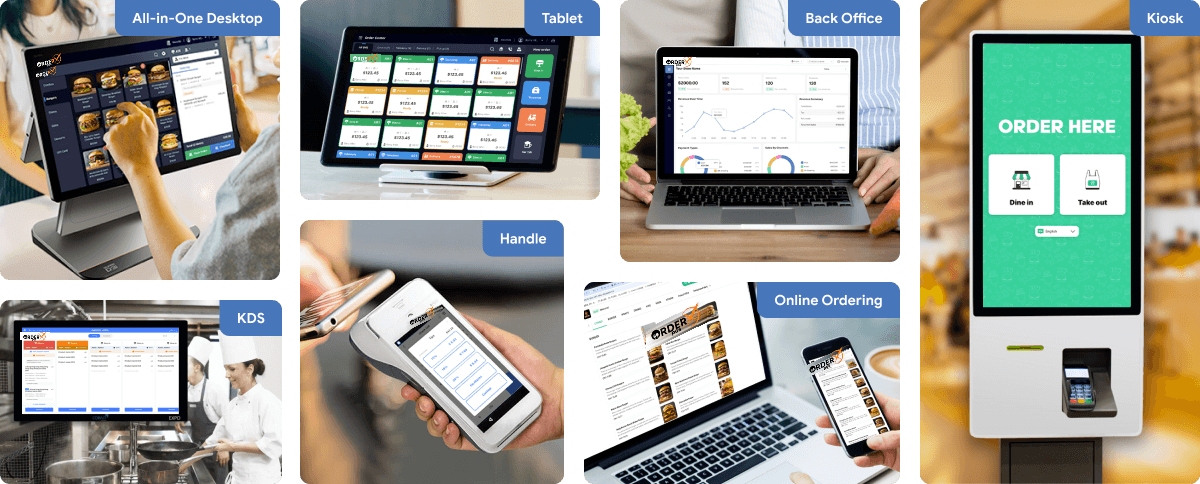
OrderX POS software portfolio including Desktop POS, Back office, Handheld APP, KIOSK APP, Online ordering system, KDS (Kitchen Display Screen) APP and etc.
Related devices
Ready to get started?