
SUNMI V2 Pro
Sunmi V2 Pro – Handheld Point of Sale Payment Terminal
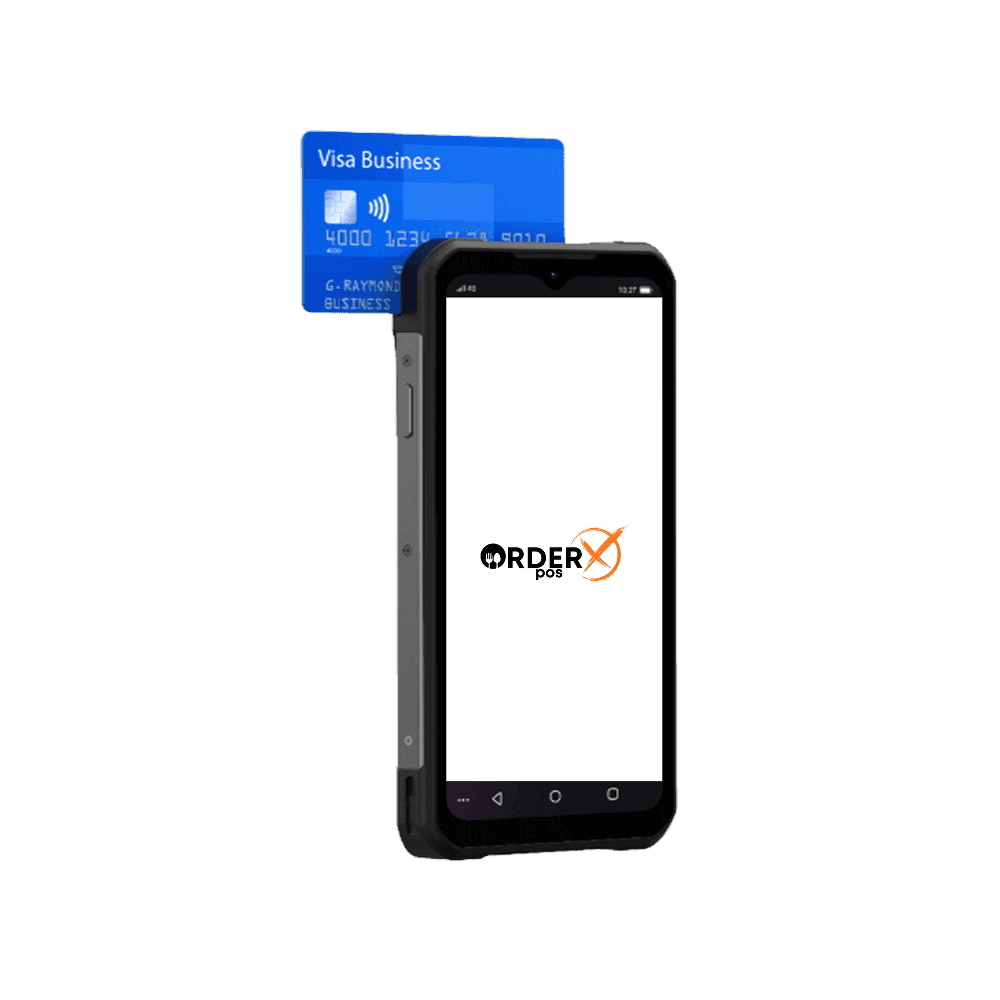
The Sunmi V2 Pro is a high-performance handheld POS terminal designed to streamline business operations. Featuring a 5.99″ HD+ display, an integrated Seiko label printer, and a professional 2D barcode scanner, it’s ideal for mobile checkout, online order processing, and label printing. Powered by Sunmi OS on Android, it supports NFC, 4G, and Wi-Fi for seamless connectivity. Compact yet robust, the V2 Pro empowers businesses with efficiency and versatility in retail, hospitality, and beyond.
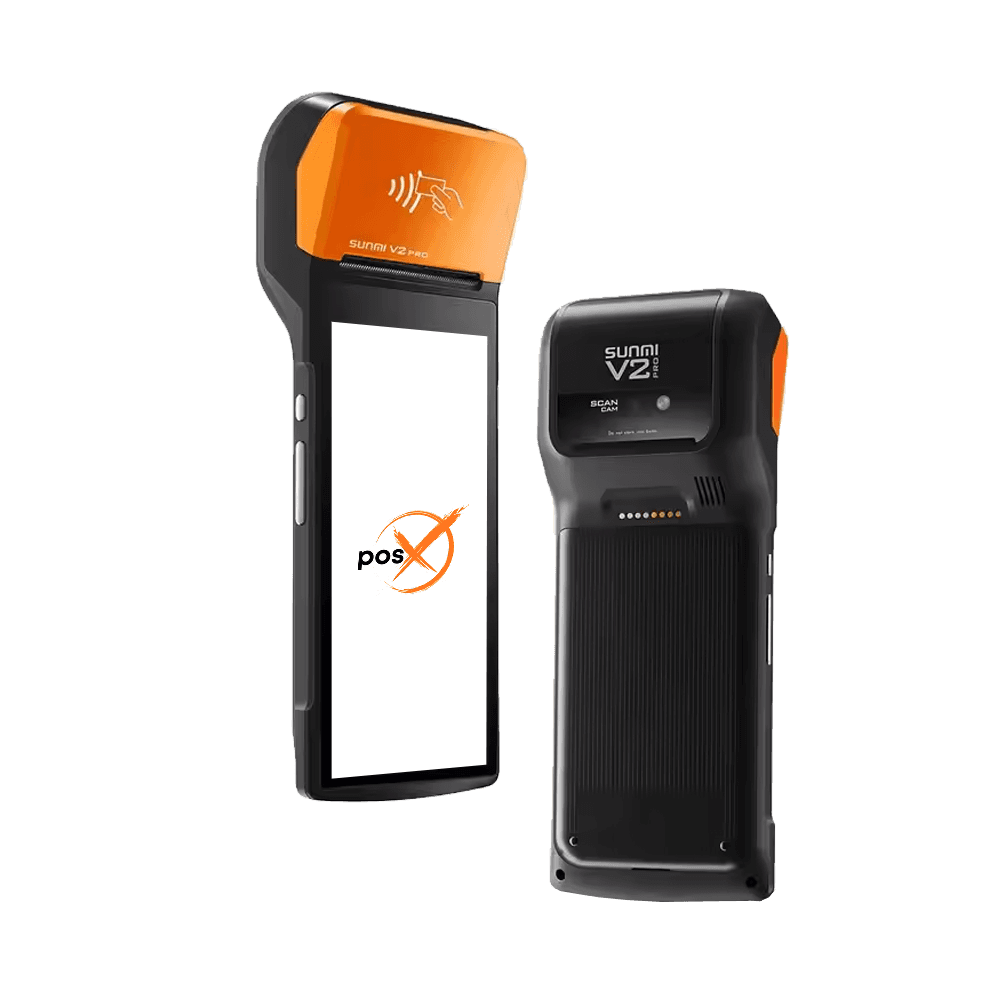
Highlights
Why choose the SUNMI V2 Pro
- The 5.99" HD+ screen
- 13mm thickness (the thinnest part)
- Double-shot molding
- Receipt and label printing
- 2D barcode scan engine
Features
SUNMI V2 Pro features
- Platforms
- SUNMI OS (*based on Android 7.1)
- P2PE
- No
- Connectivity
- Mobile network / Wifi / Bluetooth
- EMV
- No
- Signature Capture
- No
- PIN Debit
- No
- Keypad
- No
- Standalone
- Yes
- PINpad
- No
- Semi-Integrated
- Yes
- Printer
- Yes
- Mobile
- Yes
- Contactless
- Yes
Specifications
SUNMI V2 Pro specifications
| OS | SUNMI OS (*based on Android 7.1) |
|---|---|
| CPU | Quad-Core 1.4GHz |
| Display | 5.99″ HD+, 1440×720, IPS |
| Touch Screen | G+FF Capacitive Multi-touch |
| Memory | 2GB RAM + 16GB ROM |
| Wi-Fi | 2.4GHz/5GHz, Support IEEE 802.11 a/b/g/n |
| Bluetooth | Support Bluetooth 2.1/3.0/4.2, Support BLE |
| Camera | 5.0MP, Auto-focus, Flash, Support 1D/2D barcode scanning |
| Printer | Thermal printer; Print speed: 70mm/s; Paper roll: φ40mm; Support receipt printing; Support label printing (Optional) |
| Speaker | 1W |
| Card Slot | 1*SIM; 1*PSAM; 1*MicroSD (TF), Up to 64GB |
| Communication | 4G/3G/2G; Support dual SIM dual standby (Optional) |
| GPS | Support GPS, AGPS |
| NFC | Support Type A&B card, Mifare card, Felica card |
| Button | 1Power button, 2Volume button |
| Battery | Removable, Lithium-ion polymer battery, 7.6V/2580mAh |
| Interface | 1*USB Type-C, Support OTG; 1*3.5mm headphone jack |
| Charger | Input: AC 100~240V, Output: DC 5V/2A |
| Dimension | 219.1mm * 80.0mm * 17.8mm |
| Weight | 362g |
| Environment | Operating temp: -10℃~50℃; Storage temp: -20℃~60℃ |
| Drop Test | 1.2m |
| Optional Accessories | Hand strap; Docking station; Pistol grip |
Have Any Questions?
SUNMI V2 Pro FAQs
How do I reset a forgotten password on Sunmi V2 Pro?
Enter your Google Account after five failed attempts, or use recovery mode to factory reset (erases data). Check Sunmi’s guide for steps.
Can Sunmi V2 Pro use a network-locked SIM?
Yes, unlock via your carrier’s SIM unlock code or trusted third-party services using the device’s IMEI.
How to install apps from unknown sources on Sunmi V2 Pro?
Enable Developer Mode in Settings, then toggle “Unknown Sources” under Security. Install APKs cautiously.
Does Sunmi V2 Pro support Bluetooth printing?
Yes, pair via Bluetooth in Settings or use Wi-Fi with Sunmi’s Printer SDK for seamless printing.
Can I root Sunmi V2 Pro to remove Sunmi OS?
Rooting is complex due to the locked bootloader. Check XDA Forums for firmware hacks, but it risks warranty.
OrderX POS Portfolio
One software suite across every device
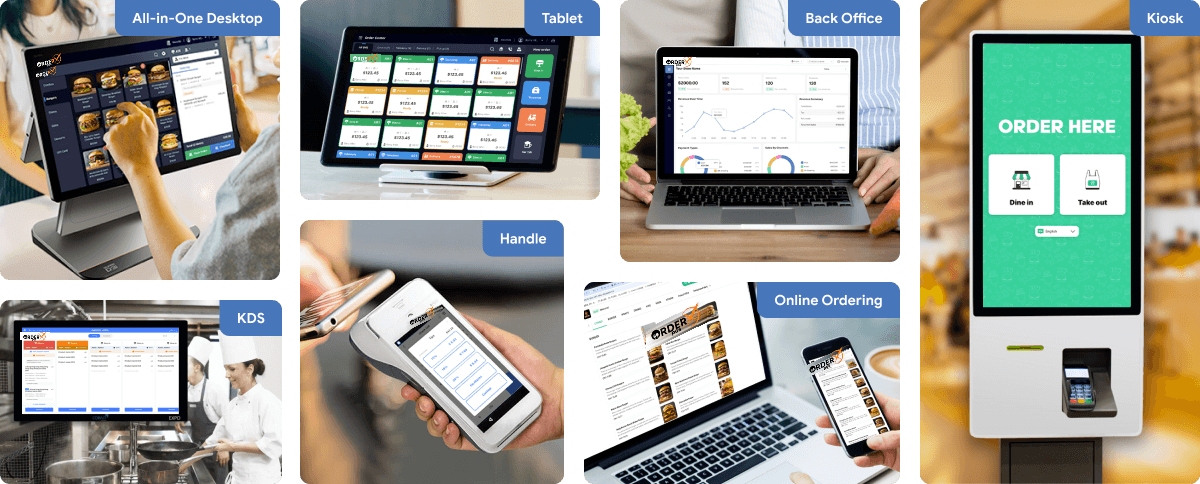
OrderX POS software portfolio including Desktop POS, Back office, Handheld APP, KIOSK APP, Online ordering system, KDS (Kitchen Display Screen) APP and etc.
Related devices
Ready to get started?