
PAX Elys A3700
PAX A3700 | Elys Tablet – Android Tablet Payment Terminal
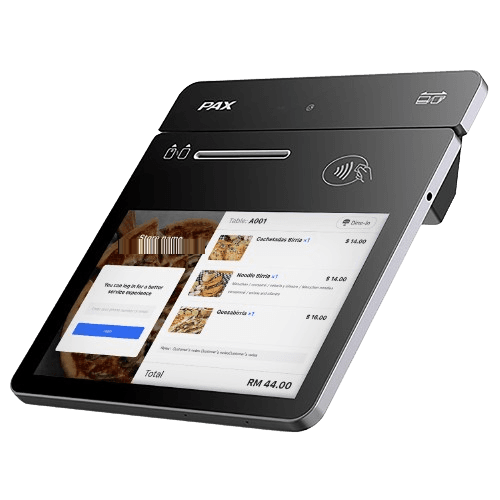
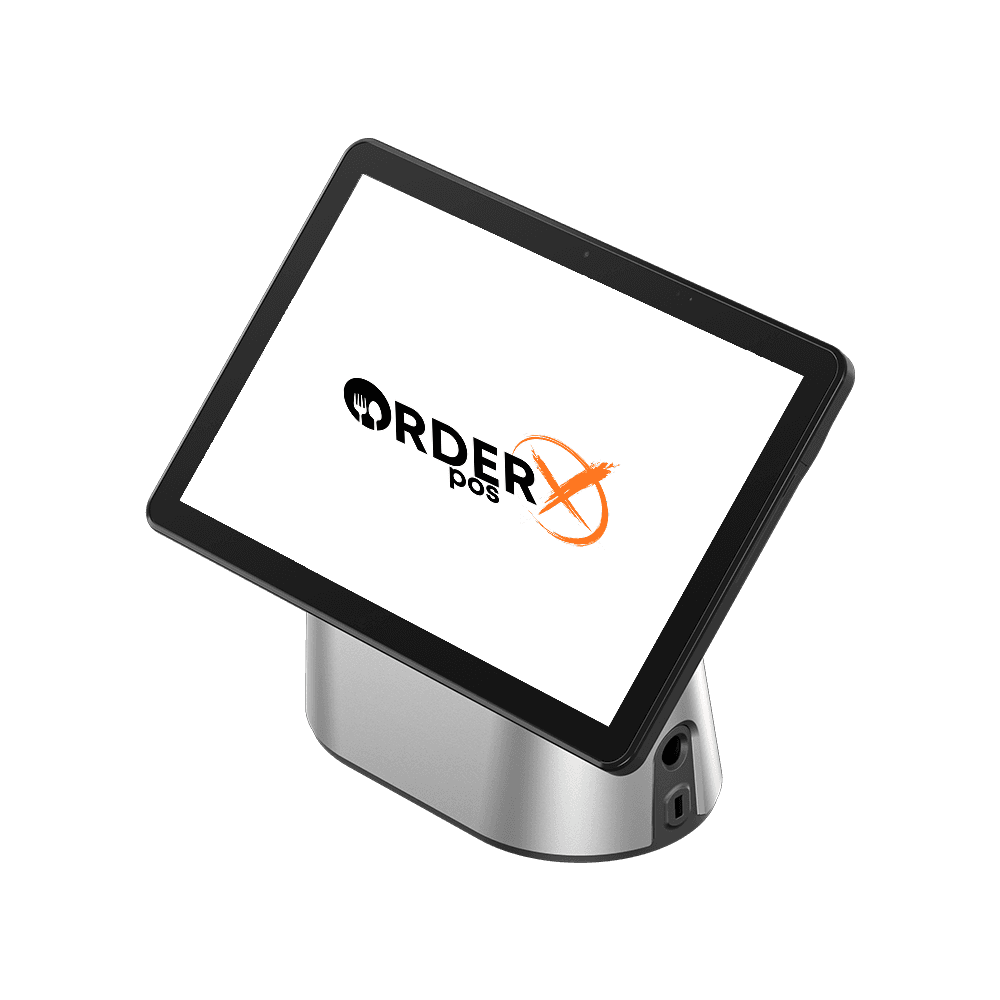
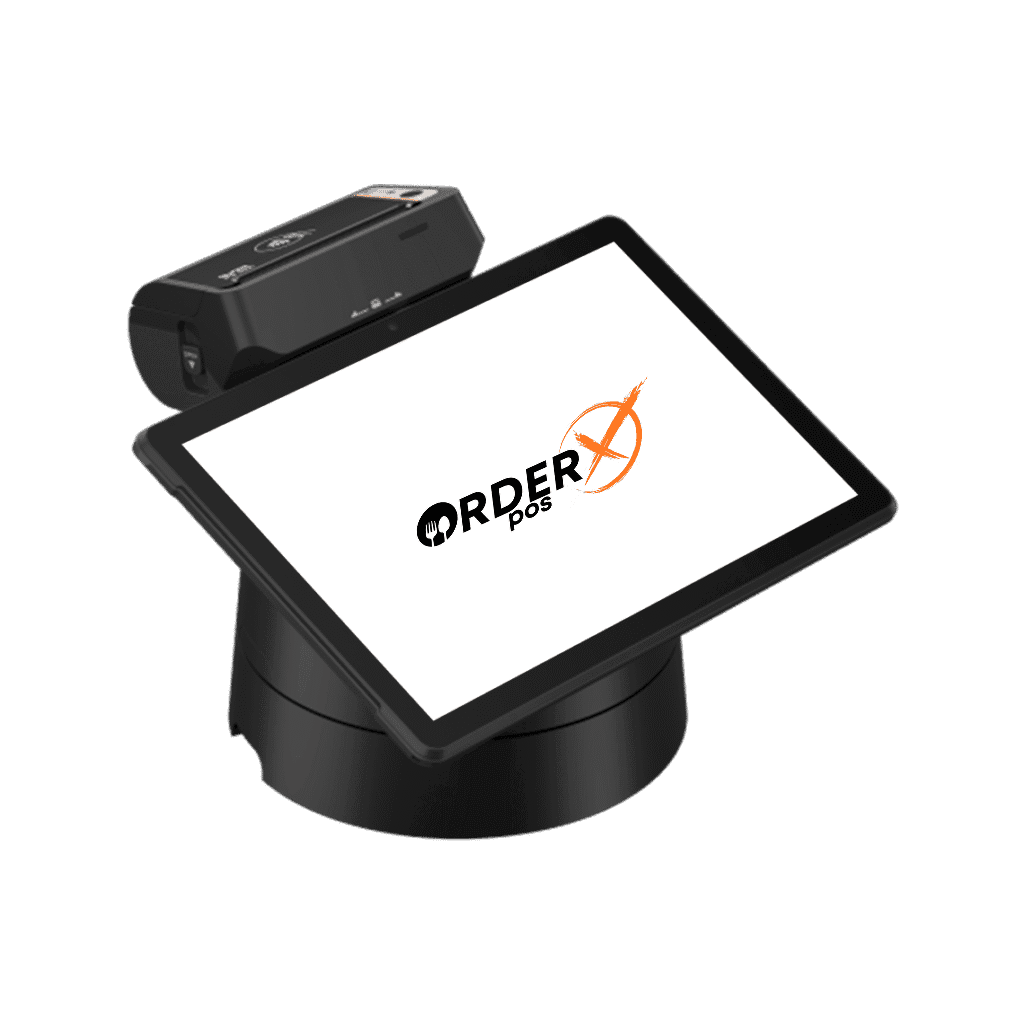
The A3700 (Elys Tablet) serves as a customer-facing operations tool. Its industrial design, featuring an aluminum alloy body, positions it as a high-end device. Additionally, the 7-inch touch screen and high-quality display ensure accurate capture of every sale. The tablet connects magnetically to the Elys Station using two-sided pogo pins. This connection works in both orientations, allowing customers to enter their PIN smoothly in various store settings. Furthermore, the Elys Tablet accepts various payment methods and provides a PCI-certified, secure, and seamless checkout experience for customers.
Highlights
Why choose the PAX Elys A3700
- Powered by Android 11
- 7" IPS FHD Touchscreen
- Octa-Core 2.0GHz
- Wi-Fi® 2.4GHz/5GHz + Bluetooth® 5.0
- Front Camera 5MP Auto Focus
- 3720mAh/3.7V
- 2 POGO PIN
- Dual Mics and Speakers
Features
PAX Elys A3700 features
- Platforms
- PayConex, Decryptx
- Connection
- USB-C,POGO pins, Dual-band WIFI, 4G, Bluetooth; (with Workstation) USB-A, RS232, cash drawer, printer, LAN
- P2PE
- Yes
- Communication
- 4G, Wifi. Local only: USB, BT, Serial. (With Workstation) Ethernet
- EMV
- Yes
- Signature Capture
- Yes
- PIN Debit
- Yes
- Keypad
- Yes
- Standalone
- No
- PINpad
- Yes
- Semi-Integrated
- Yes
- Printer
- No
- Mobile
- Yes
- Contactless
- Yes
Specifications
PAX Elys A3700 specifications
| Operating System | Android 11 |
|---|---|
| Processor | Octa-Core 1.8GHz |
| Memory | LPDDR4X 2GB + eMMC 16GB, Extended microSD Card Slot, Up to 128GB |
| Cameras | Front Camera 5MP |
| Displays | 7-inch 1280 x 800 Pixels IPS HD Touch Screen Display |
| Keys / Buttons | Power ON/OFF |
| Audio | 2 Speakers, 2 Microphone, 1 Audio Jack |
| Physical | 187 x 176.4 x 47.9mm, 787g |
| Comms Configurations | 4G, Wi-Fi® 2.4GHz/5GHz, Bluetooth® 5.0 |
| Card Readers | Dual-Chip Reader, Contactless, Dual-Magnetic Stripe Reader |
| SIM/SAM | 2 Micro SAM + 1 Nano SIM + 1 microSD or 2 Micro SAM + 2 Nano SIM |
| Battery | 3720mAh/3.7V |
| Power | Input: Max 18W, [5V DC, 3.0A], [9V DC, 2.0A], [12V DC, 1.5A] |
| Environmental | [-10~45℃ (14°F ~ 113°F) Operating Temperature], [-20°C ~ 70°C (-4°F ~ 158°F) Storage Temperature], [10% ~ 93% Relative Humidity, Non-Condensing] |
| Accessories | USB Cable (optional), HUB (optional) |
| Ports | 1 Type-C USB Host | 2 x 8 PIN POGO PIN |
| Certification | PCI PTS 6.x SRED | EMV L1 & L2 | EMV Contactless L1 | Visa payWave | MasterCard Contactless | Amex ExpressPay | D-PAS | Interact Flash | J/Speedy | MasterCard TQM | CE | RoHS | ATEX | FCC | UL | BQB | PTCRB |
Have Any Questions?
PAX Elys A3700 FAQs
How do I set up the PAX Elys A3700 with the workstation?
To set up, ensure both devices are powered off. Align the pogo pins on the A3700 with the workstation connectors, press until it snaps, power on, and follow on-screen instructions.
What are the system requirements for the PAX Elys A3700?
Runs on Android 11, 2GB memory, supports 4G, Wi-Fi, Bluetooth. Use with compatible POS software from PAXStore.
What payment methods does the PAX Elys A3700 support?
Supports dual-chip (EMV), contactless (NFC), and dual-magnetic stripe payments.
How do I troubleshoot common issues like connectivity problems or screen freezes?
For connectivity, ensure stable network, check LAN settings, restart if needed. For freezes, restart device; contact support if persistent.
OrderX POS Portfolio
One software suite across every device
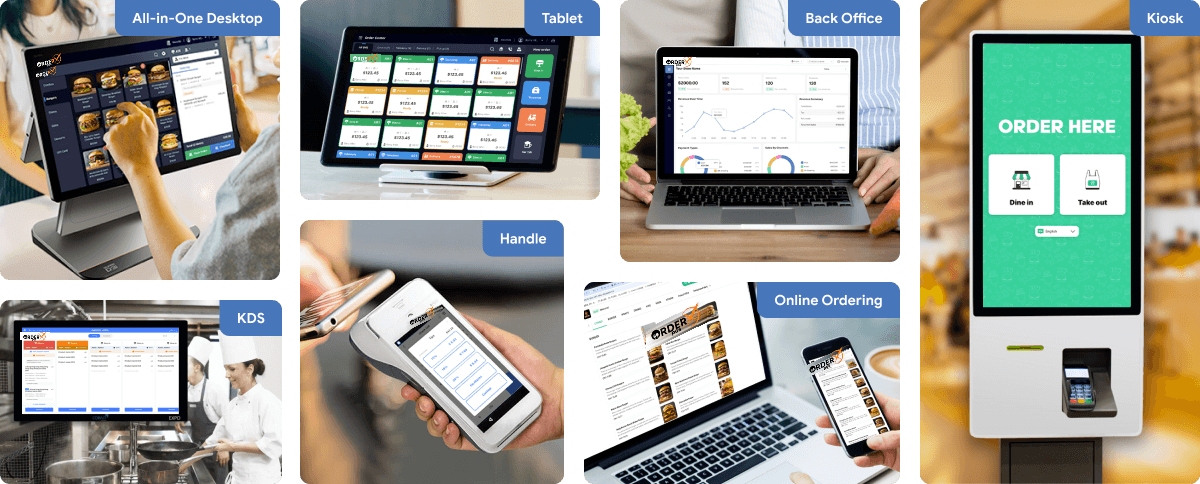
OrderX POS software portfolio including Desktop POS, Back office, Handheld APP, KIOSK APP, Online ordering system, KDS (Kitchen Display Screen) APP and etc.
Related devices
Ready to get started?